UNMANNED TECH
  • Home
  • Shop
  • Students/Researchers
  • About
  • Contact
  • Manuals
  • Regulations
  • Multicopter Safety Notes
  • Blog

Universal 1KG Camera Gimbal Assembly Guide

12/11/2012

Comments

 
Picture
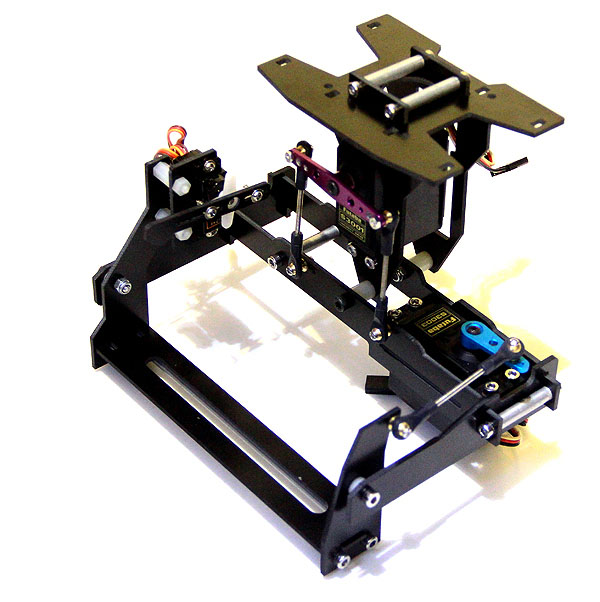
This is a 2-axis stabilised camera mount that you can use for carrying common compact digital cameras and camcorders. This is based on the older design of our 1Kg gimbal but has been improved to make it lighter, more rigid. This gimbal also includes a special mount for a camera shutter servo (9g micro servo). This gimbal is able to stabilise both roll and pitch. This gimbal can support a few SLR cameras, but you may have difficulty using the camera servo mount.

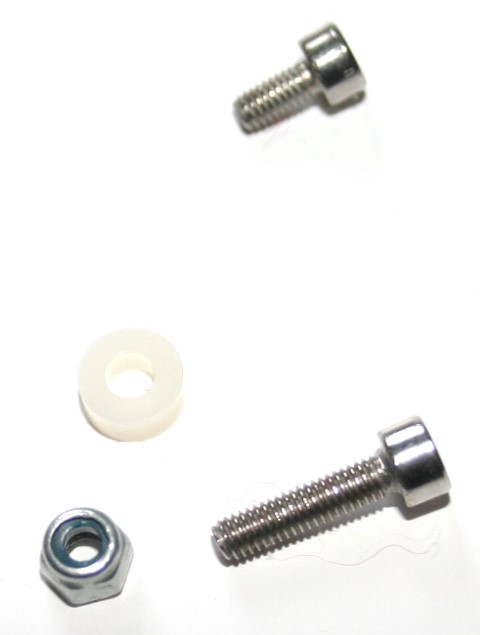
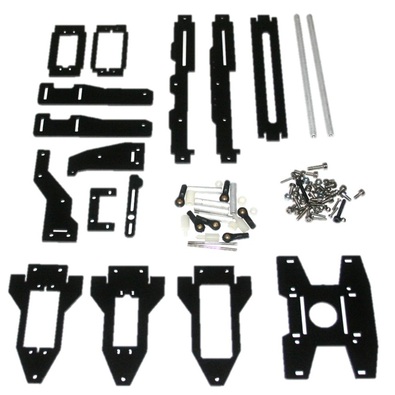
Included Parts
Picture

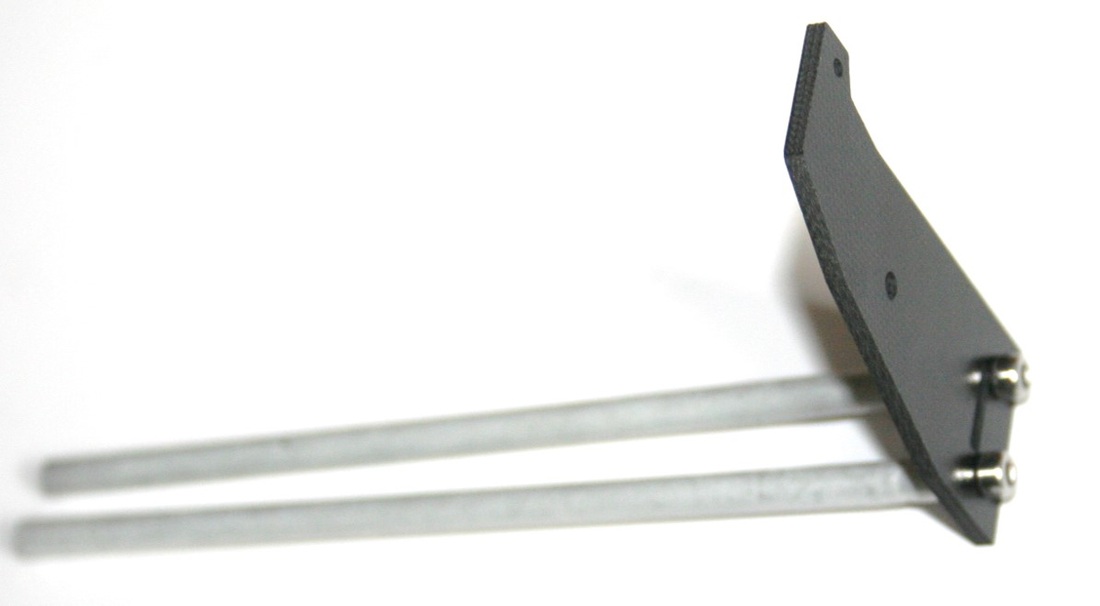
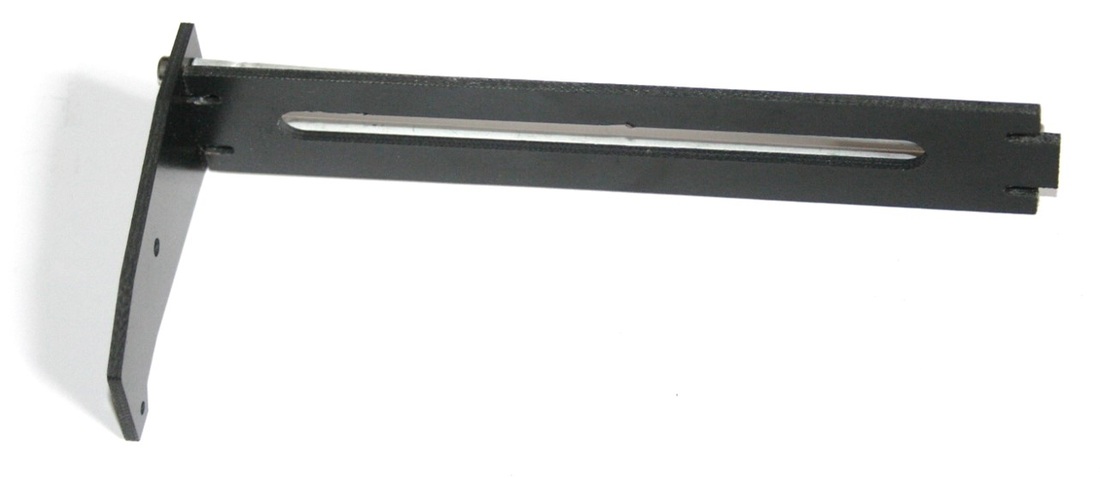
Frame Attachment Assembly

Picture
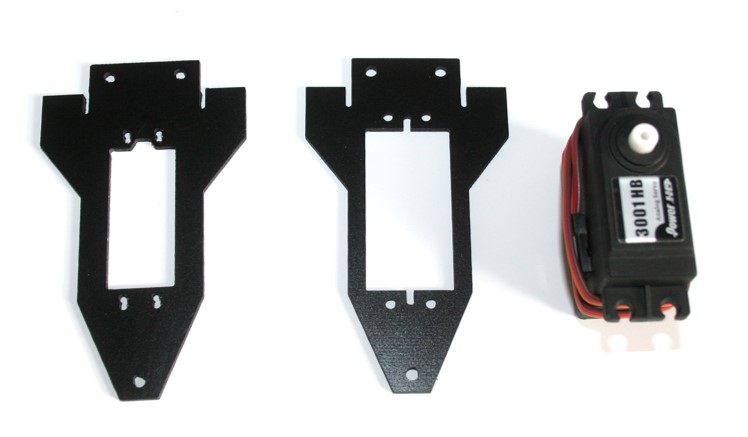
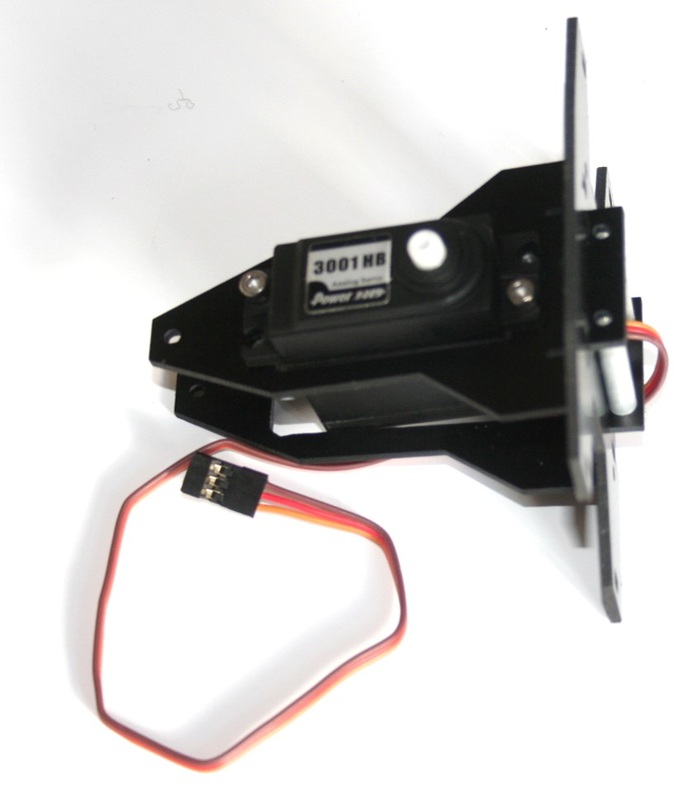
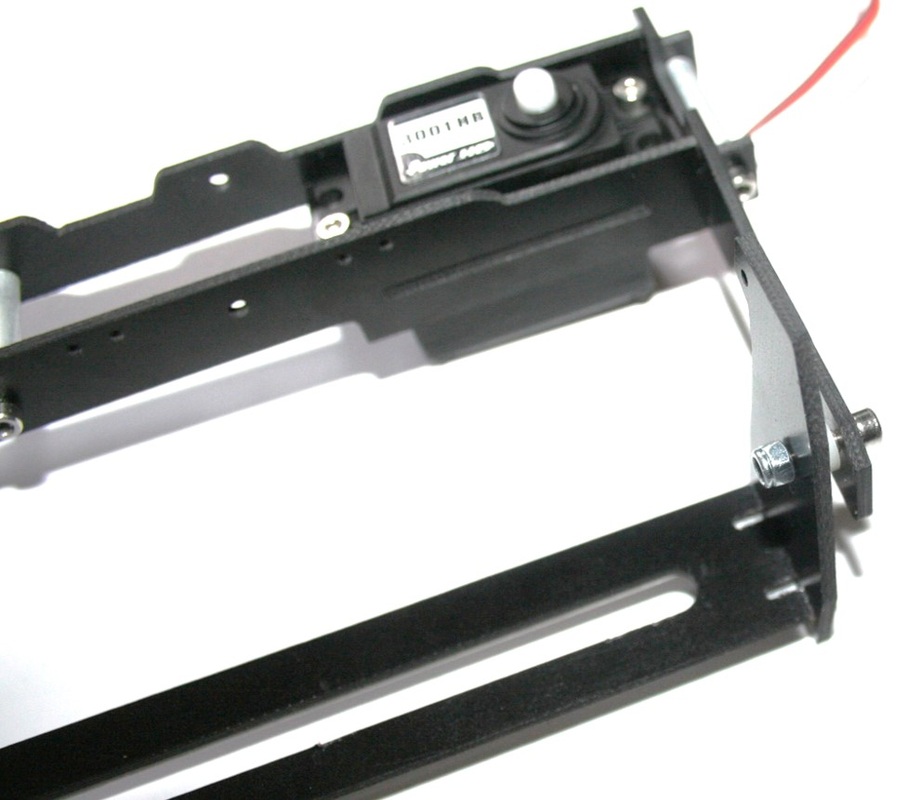
  • The first thing to do is to attach the servo onto the roll axis servo holder.  You can chose from 2 plates depending on which matches your servo best.
Picture
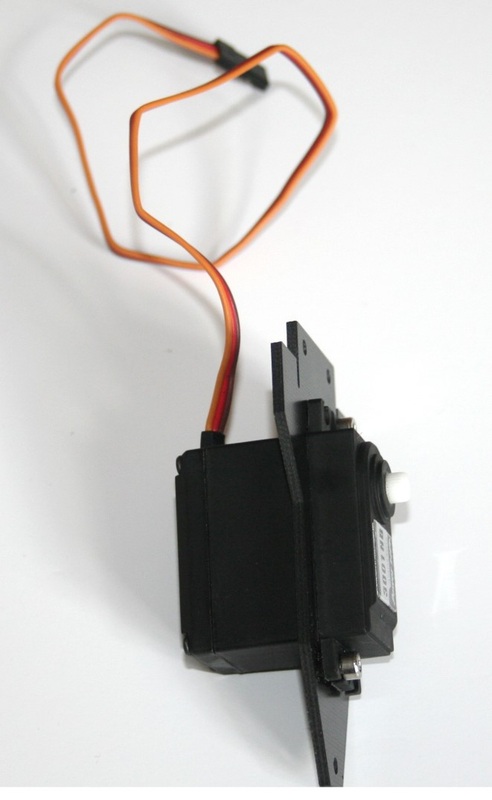
  • Using the M3 screws securely mount your servo as shown.  
  • Please note that the holes are not threaded so it might require some force to get the screws to take hold.
  • Also take note of the orientation where the servo gear is closer to the top.
Picture
Picture
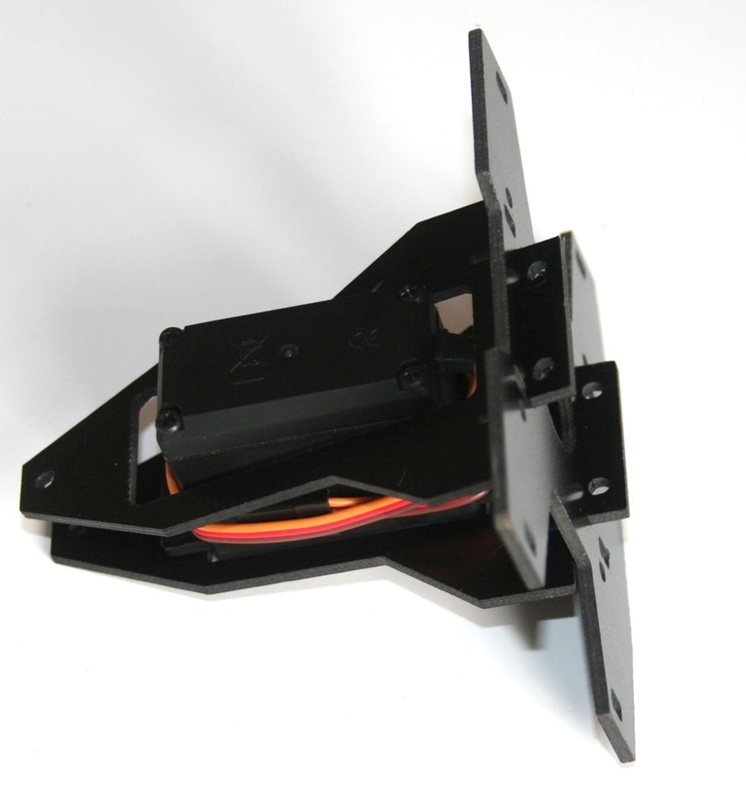
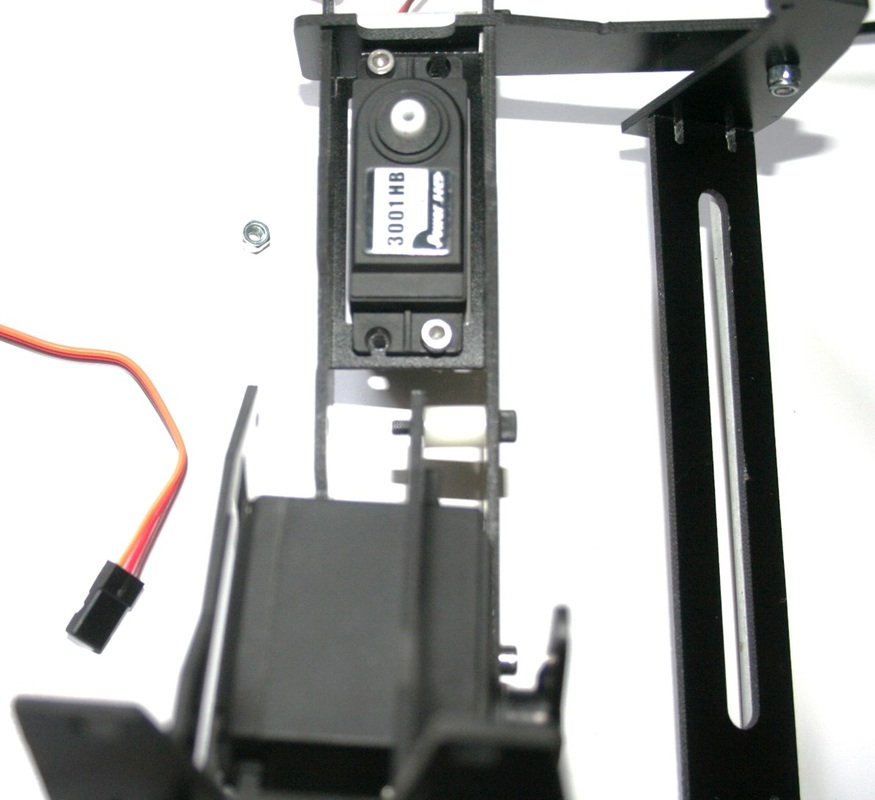
  • Now you take the top X shaped plate and slide the two servo plates into is as shown above.


Picture
Picture
  • Using the included aluminium spacer secure the two togther

Roll Axis Assembly

Picture
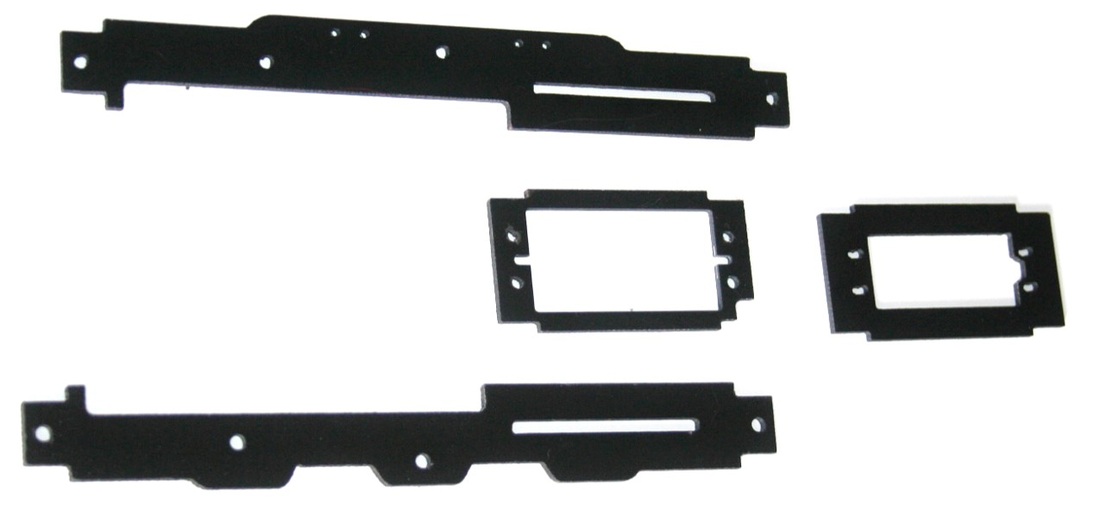
  • The required fibreglass plates for the roll axis are shown.  Again there are two servo mounting plates that you can choose depending on the type of servo you are using.
Picture
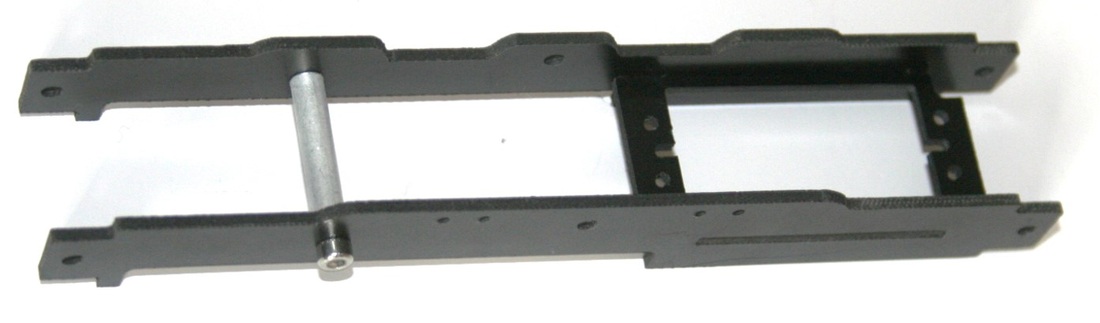
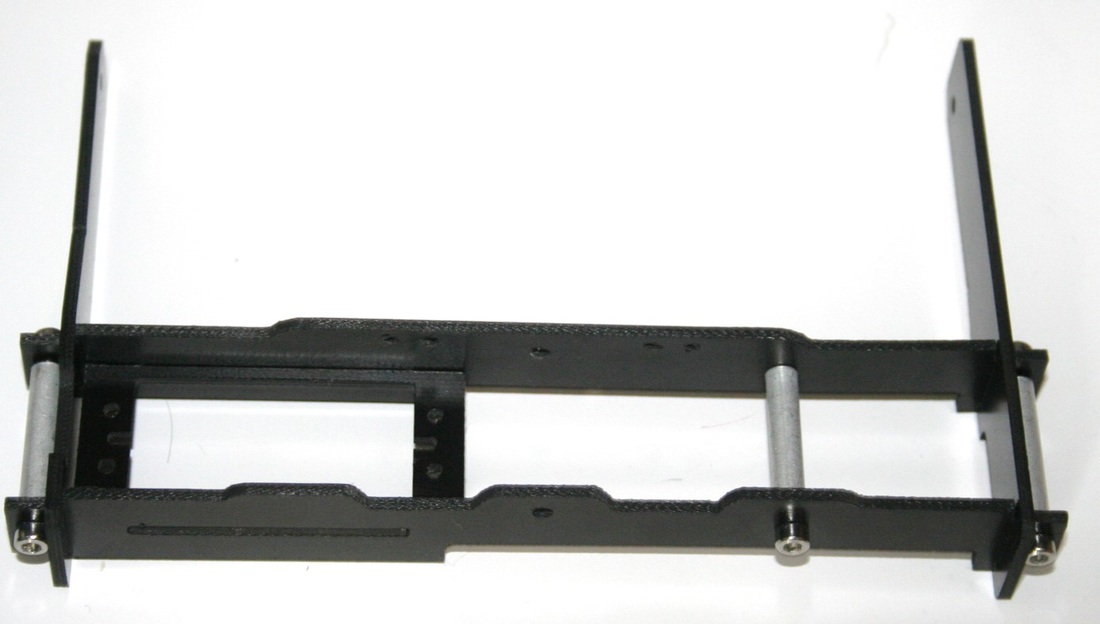
  • Attach the plates together as shown and secure them with the aluminium spacers.
Picture
Picture
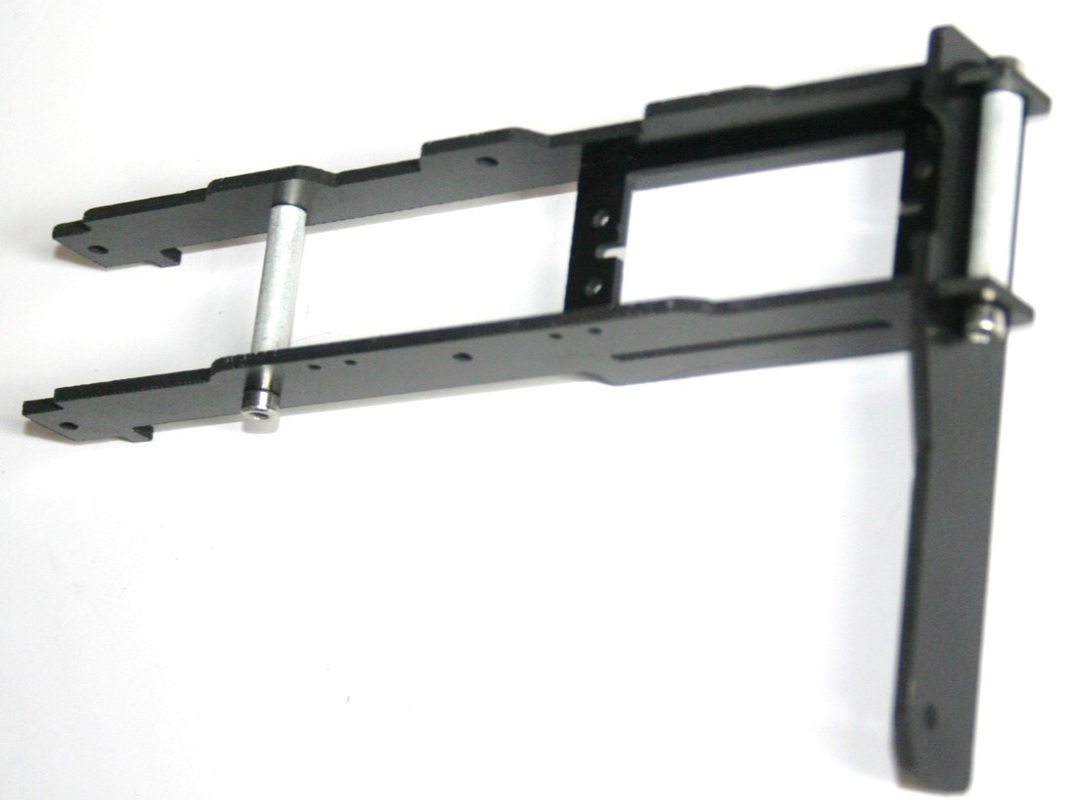
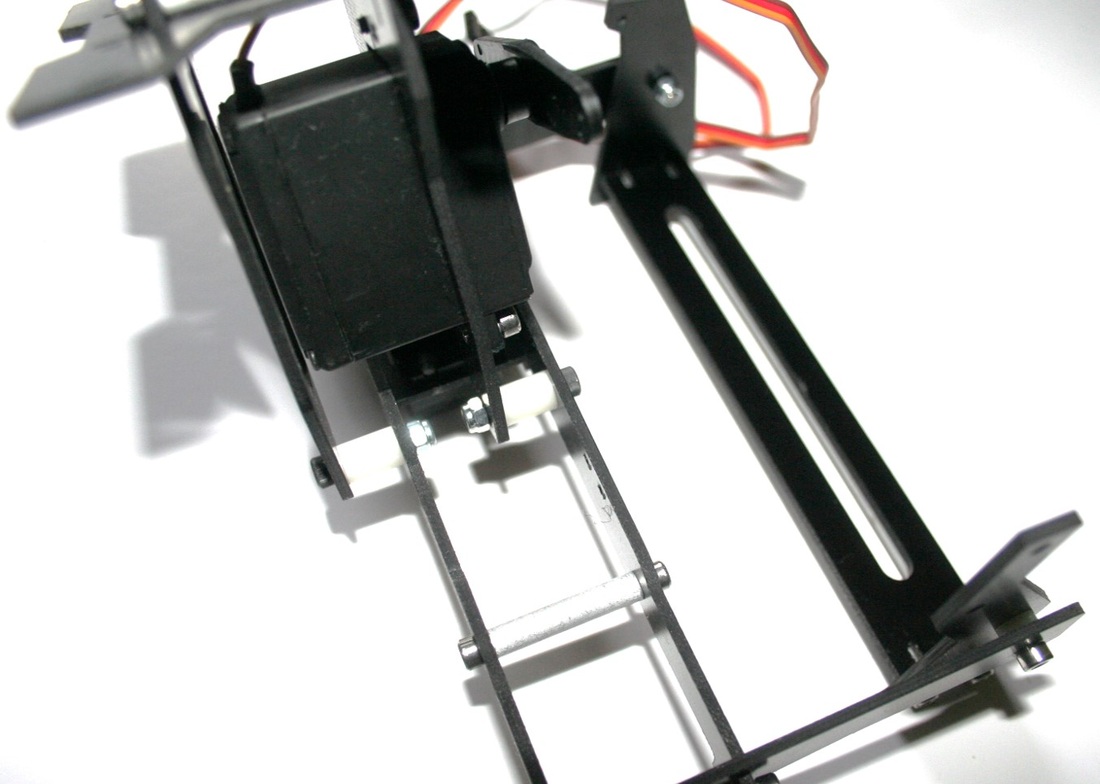
  • Now you need to attach the two side arms and again secure via aluminium spacers.
Picture
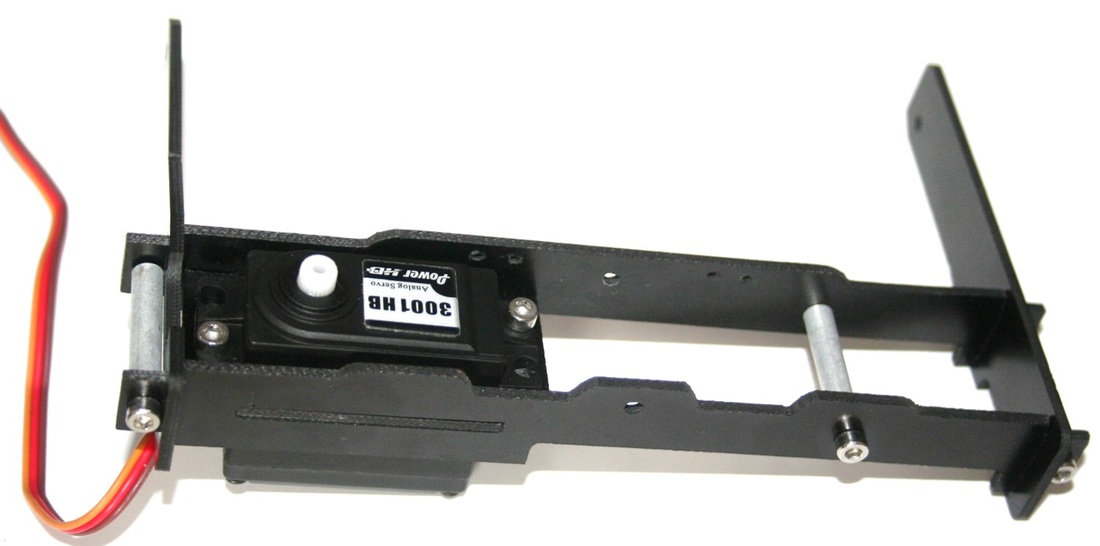
  • Once that has been done the next step is to attach the servo as shown.  
  • Please note that the holes are not threaded so it might require some force to get the screws to take hold.
  • Also take note of the orientation where the servo gear is closer to the one side.
Picture
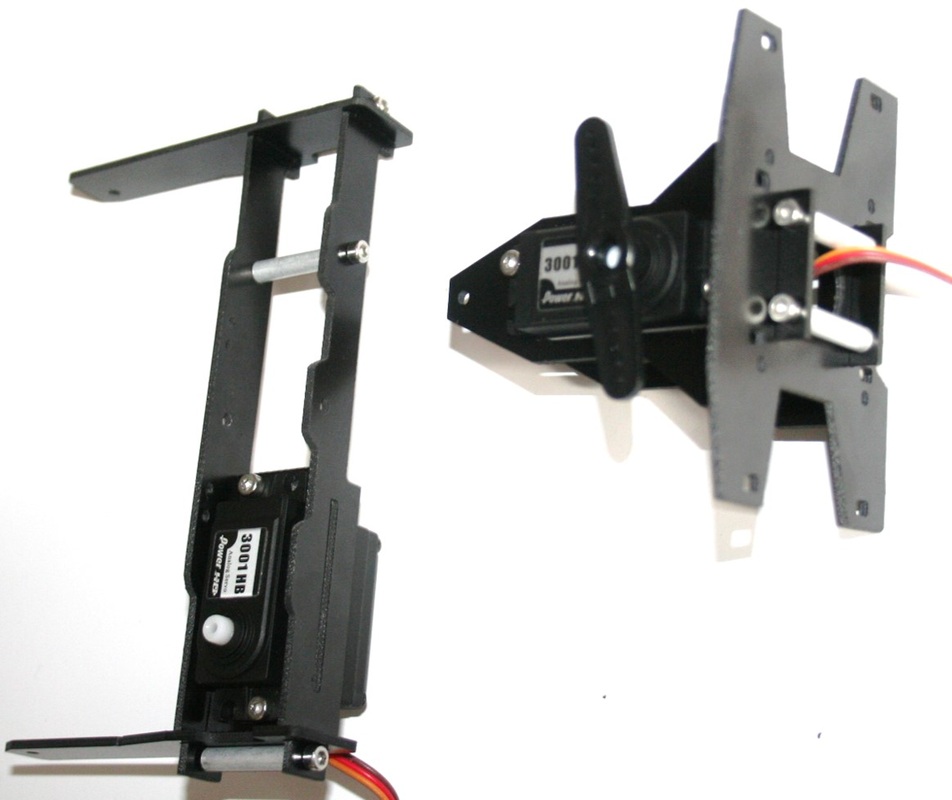
  • You should now have the two assemblies as shown in the image

Tilt Axis Assembly

Picture
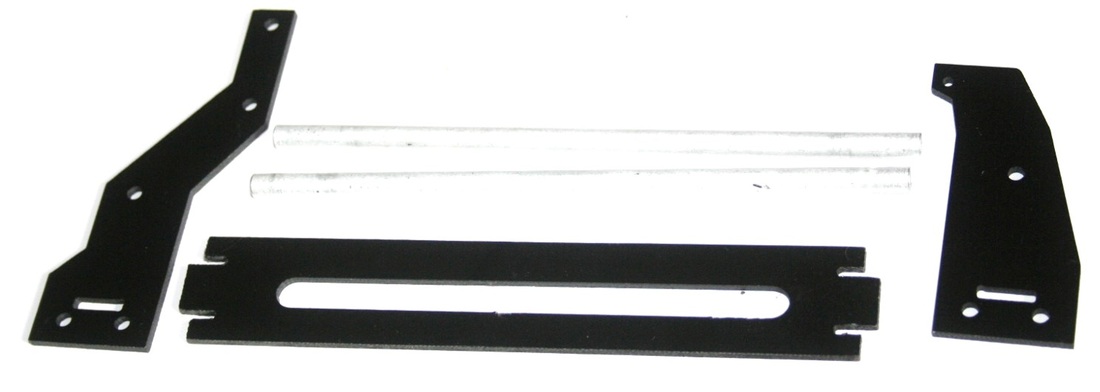
  • The required parts for the tilt axis of the gimbal are shown in the image.
Picture
  • Take a tilt side plate, and secure the long aluminium spacers to us using the included screws.
Picture
  • Now take the bottom plate and slide it into the side plate as shown
  • Now add the other end and secure everything with the screws and the long aluminium spacers.
Picture
Picture
Picture
  • Using the longer silver screw and nylon spacer as shown the the left you can now attach the tilt assembly to the roll axis.

Attaching Roll Axis

Picture
Picture
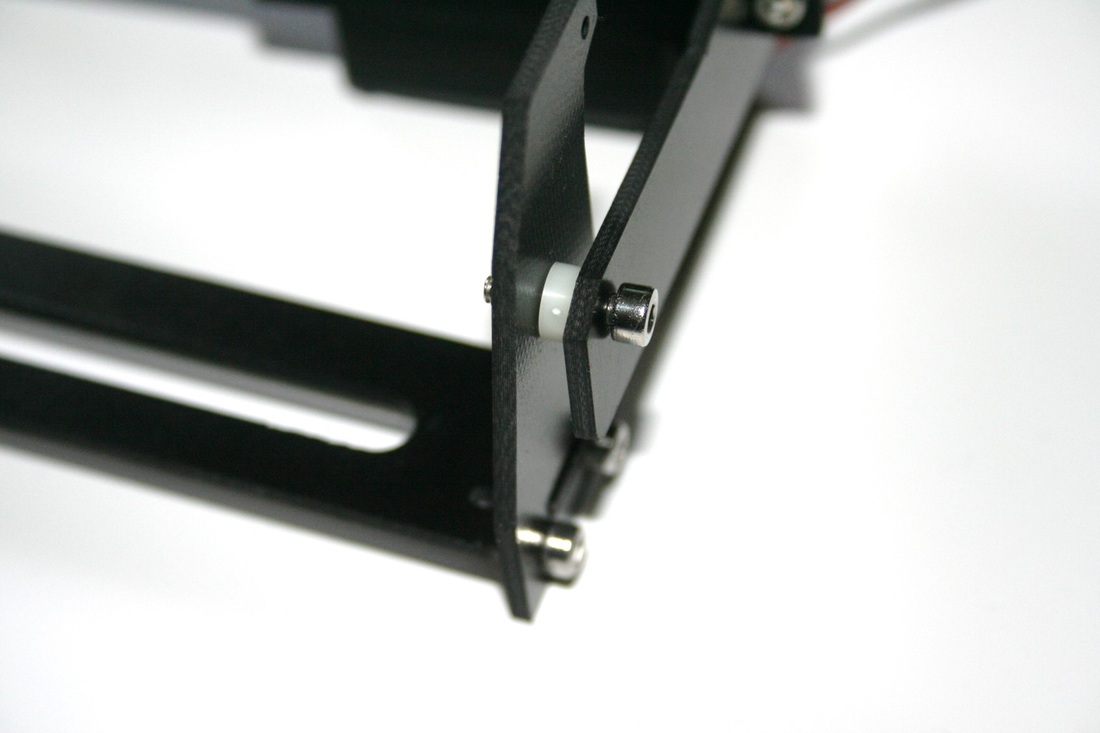
  • Now you need to connect the roll axis with the frame attachment assembly.  To do this you use the long black screws, and long nylon spacers.  Do not over tighten the screws/nuts as this will prevent the gimbal from moving.

Servo Pushrod Connection

Picture
Picture
Picture
Picture
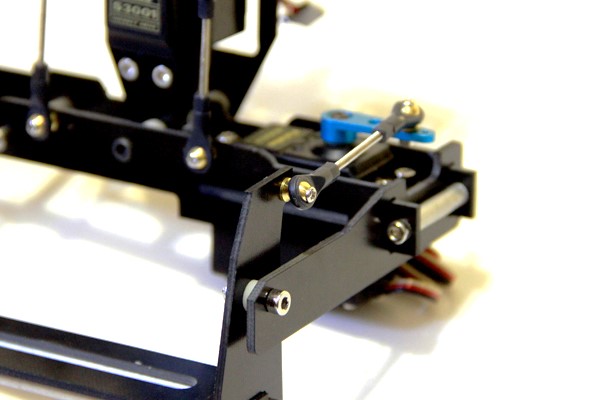
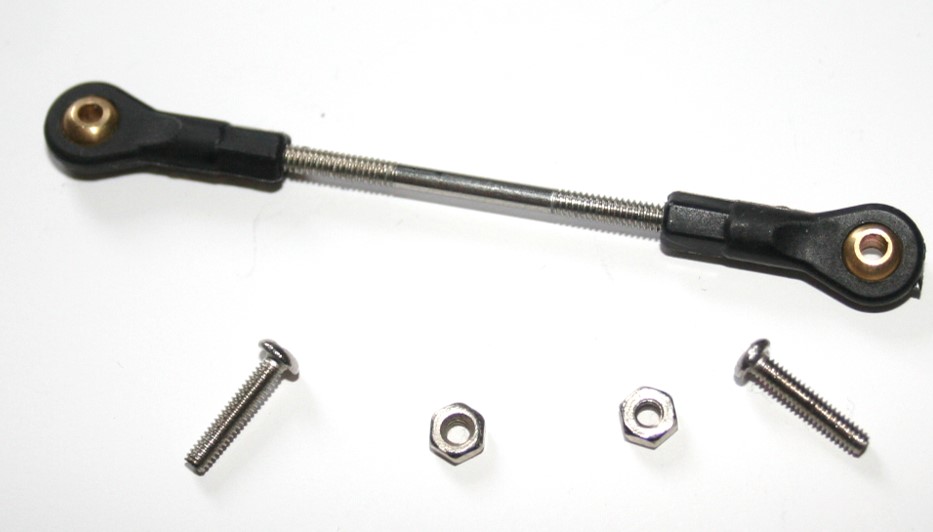
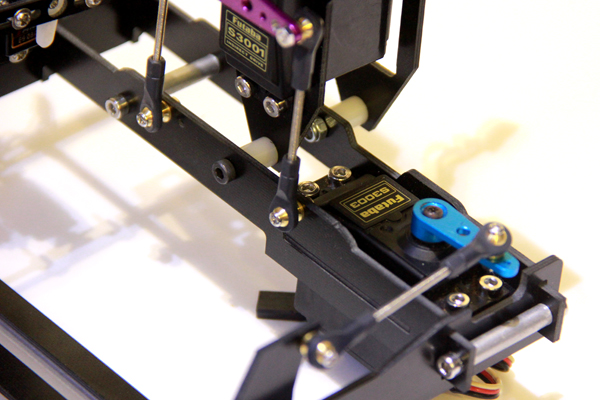
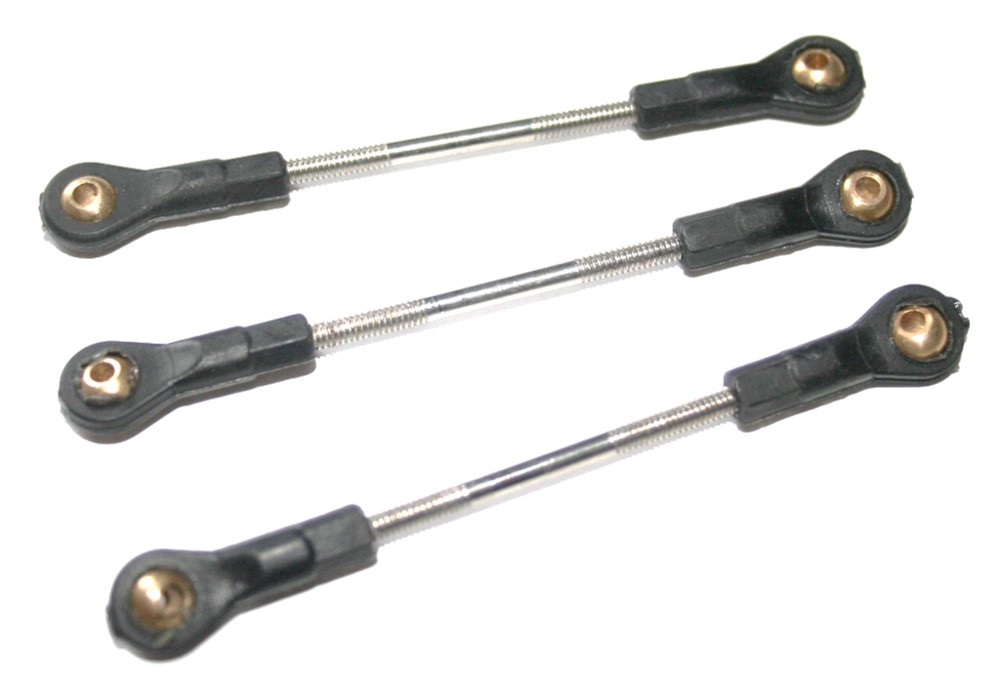
  • The last step to to attach the push-rods to the gimbal and your servo control horns.  
  • This step may vary slightly depending on which servos you are using.  You will need to use the push-rods as shown in the images.  
  • You will use the remaining smallest screws/nuts to connect the push-rods.  
  • There are two push-rods for the roll axis, and one for the tilt axis.
Picture
If you have any questions please ask them below
Comments
comments powered by Disqus

    Categories

    All
    Camera
    ESC
    Flight Controller
    Fpv Gear
    Gimbals
    Gluonpilot
    Multirotor
    Radio Control
    Telemetry

    RSS Feed

    Forums
    Buy Stuff
    Knowledge Base
Picture
Visit our Community Forums if you have any questions
  • Home
  • Shop
  • Students/Researchers
  • About
  • Contact
  • Manuals
  • Regulations
  • Multicopter Safety Notes
  • Blog